

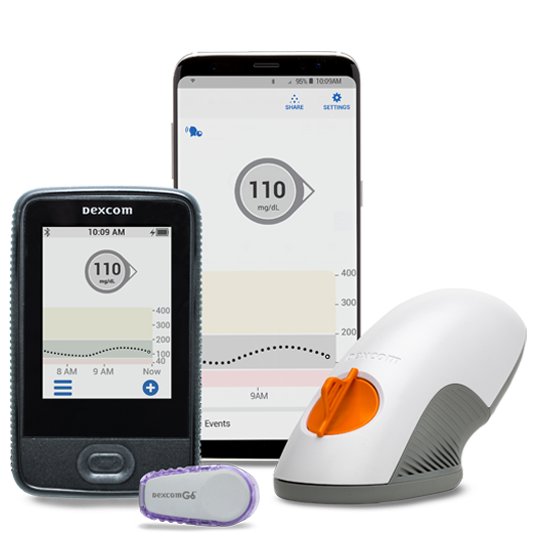
Smart device not included
Dexcom G6 may be covered by your insurance/Medicare. To see if you qualify, fill out the form or call us at 877-840-8218.
Dexcom G6
Description
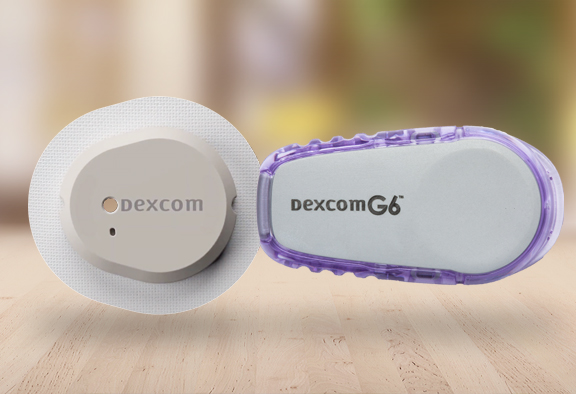
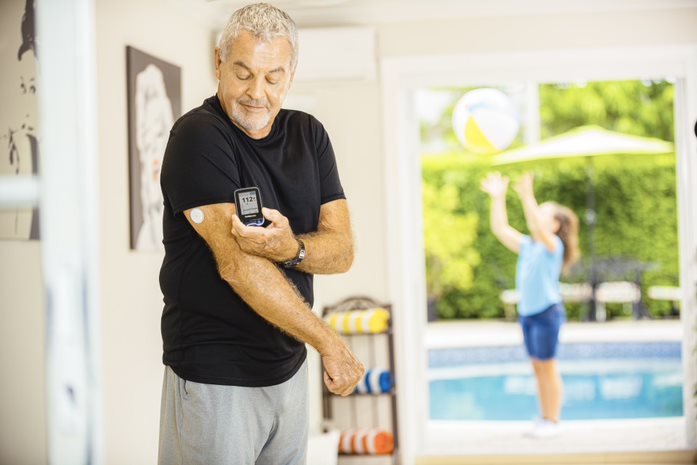
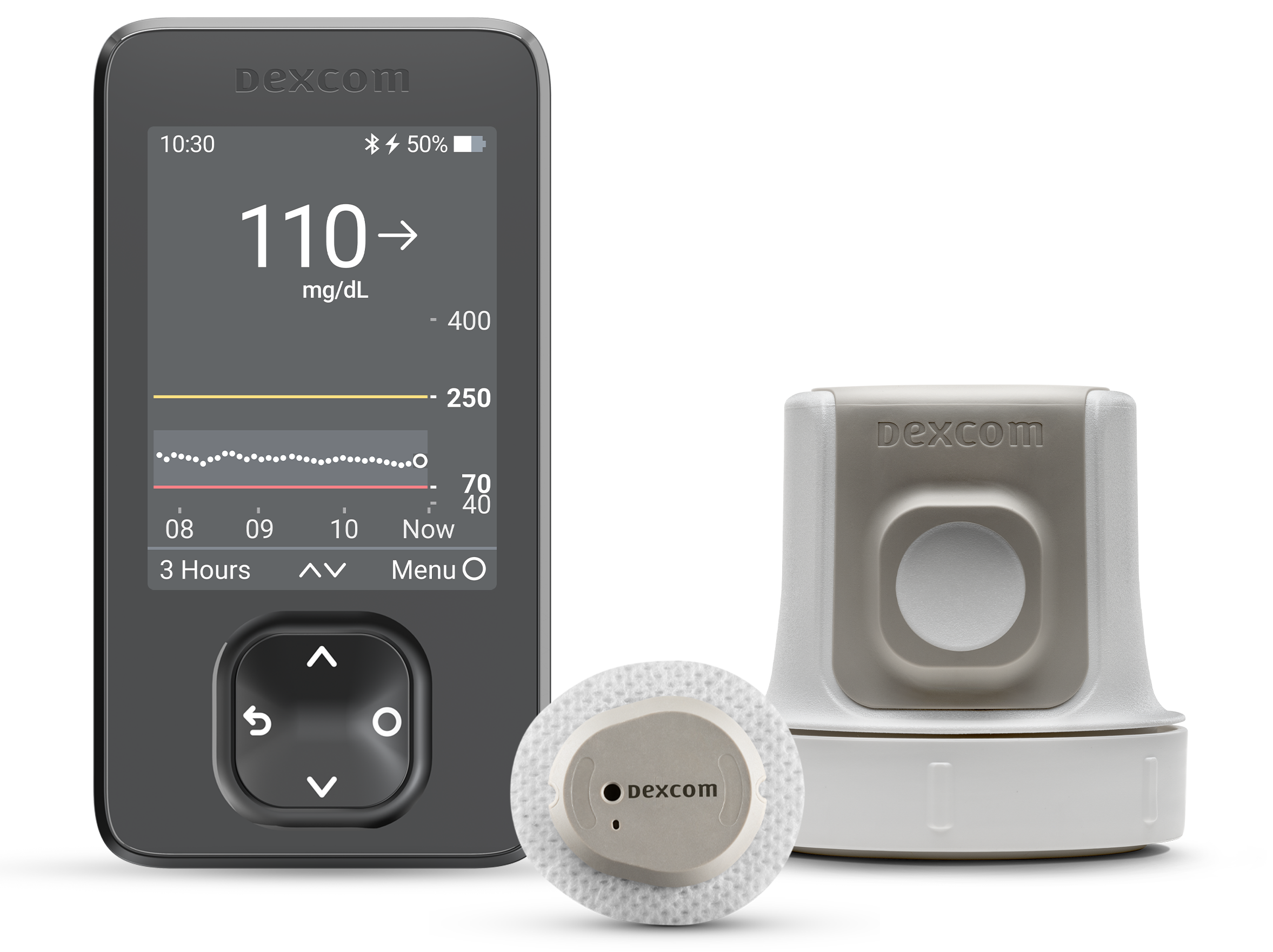
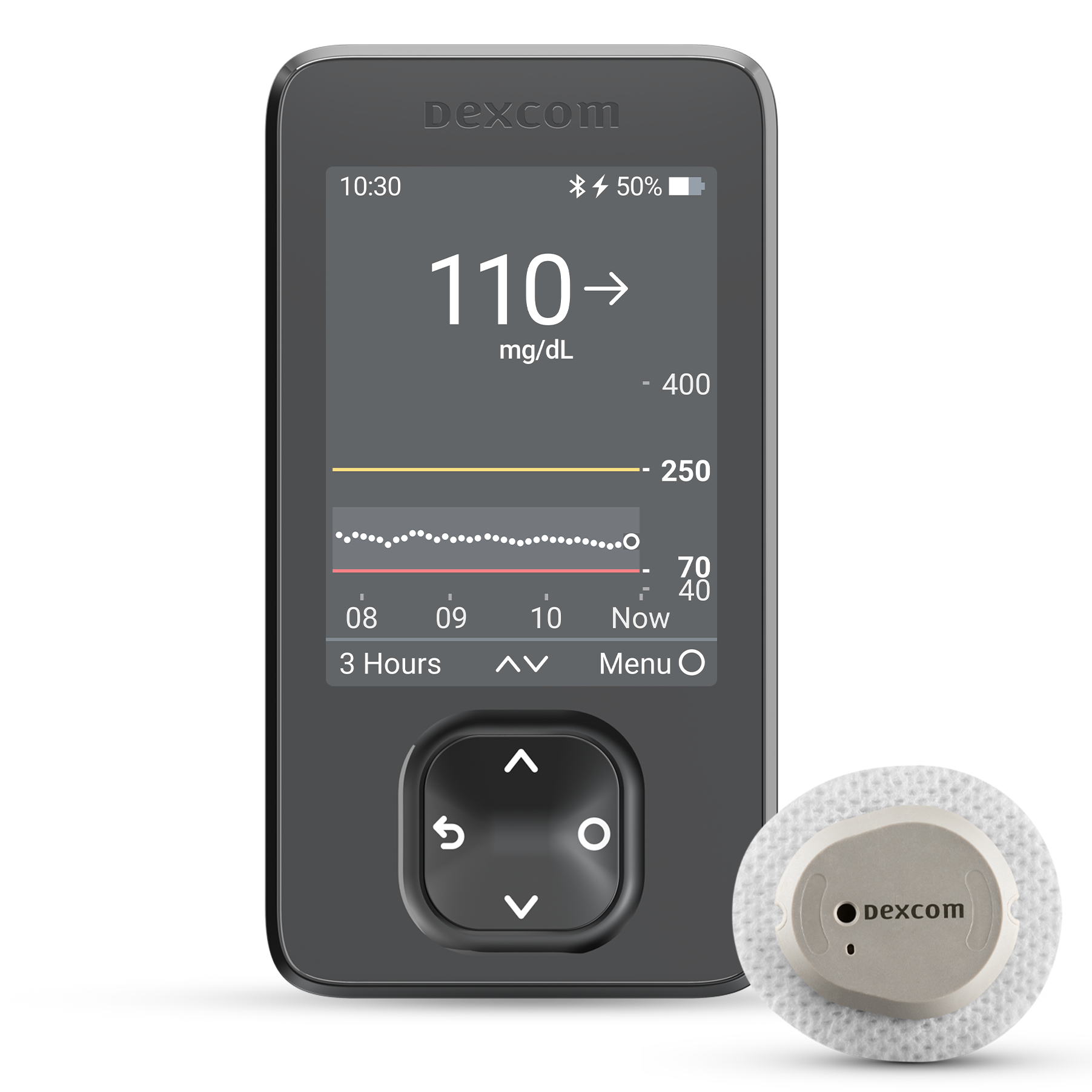
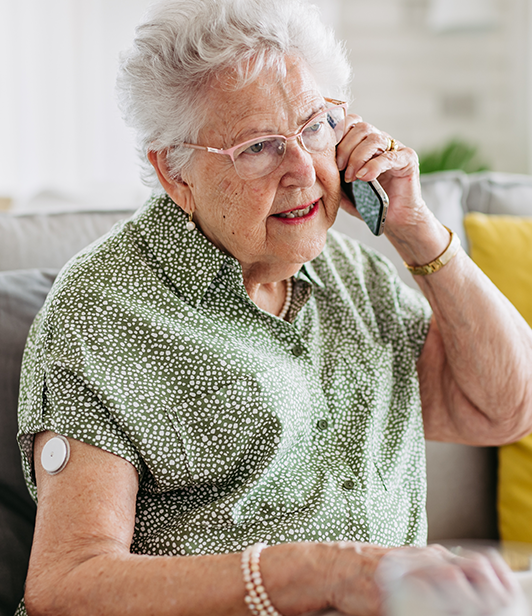
When you use the Dexcom G6 Continuous Glucose Monitoring (CGM) System, you’ll be able to cut down on the time and effort associated with glucose testing. The Dexcom G6 sensor can give you updated glucose readings every five minutes—without the hassle of fingerstick testing or calibration*. Along with that, the Dexcom G6 system can make it easy to share this information with your loved ones.
Features
- Apply Dexcom G6 sensors with the press of a button
- Notifications will let you know when your glucose level is trending too high or low
- You’ll get reliable glucose readings, even when you’re using acetaminophen* must have disclaimer that doses higher that 1g every 6 hrs can affect the readings
- Keep up to 10 people up to date on your glucose levels with Dexcom Share†
- Usable by children aged two years and up
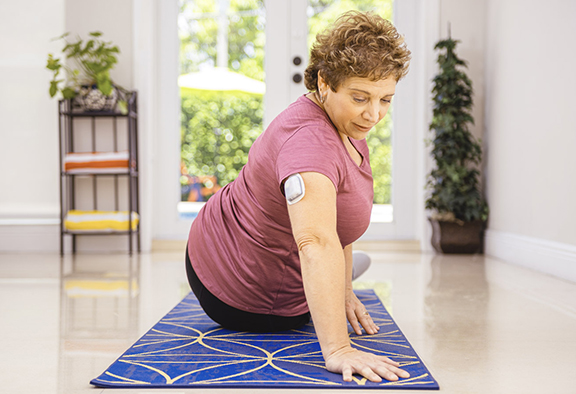
- Transmitters are thin, discreet, and once applied correctly make the dexcom G6 system water-resistant‡
You May Also Like
Need additional supplies for your Dexcom G6 CGM System? We’re happy to provide Dexcom G6 sensors and transmitters.
Specifications
Receiver Dimensions: 10.67 cm (L) x 6.35 cm (W) x 0.15 cm (H)
Receiver Memory Storage: 30 days of data
Receiver Operating Temperature: 32°F – 113°F
Receiver Weight: 113.4 grams
Sensor Lifespan: Up to 10 days
Transmitter Dimensions: 4.57 cm (L) x 3.05 cm (W) x 1.52 cm (H)
Transmitter Operating Temperature: 50°F – 107.6°F
Transmitter Weight: 28.35 grams (sensor included)
How to Use the Dexcom G6 CGM
It’s easy to use the Dexcom G6. The simple applicator will allow the Dexcom G6 transmitter's small canula to be inserted under the skin. The needle retracts and the sensor sits on top of the skin and is held in place by adhesive tape. This allows the canula to measure glucose readings in the interstitial fluid, which is fluid that surrounds the cells. The sensor takes glucose readings throughout the day and night and the transmitter allows the sensor to send real-time readings wirelessly to you. You'll use your monitoring device or an app on your smartphone that to monitor your glucose data.
For more information, visit Dexcom G6 Set Up Guide here. or download the Dexcom G6 Set Up Guide here.
DISCLAIMER: People using products sold by US MED® should always refer to the directions provided by a product’s manufacturer for usage information.
*The Dexcom G6 CGM System cannot completely replace fingerstick tests. These tests are required to confirm low or high sensor readings and when sensor readings do not match your symptoms.
†Dexcom Share is a Dexcom G6 app feature that lets users share their glucose data with up to 10 designated people, or “followers.” When your followers download the Dexcom Follow app to their compatible smart devices, they can remotely monitor your glucose data.
‡Transmitters used in the Dexcom G6 CGM System are water-resistant, as is the G6 Sensor Pod when transmitters are correctly installed. Since the Dexcom G6 receiver is not water-resistant or waterproof, it can be damaged by moisture.
Safety Information
Failure to use the Dexcom G6 CGM System and its components according to the instructions for use and all indications, contraindications, warnings, precautions, and cautions may result in you missing a severe hypoglycemia (low blood glucose) or hyperglycemia (high blood glucose) occurrence and/or making a treatment decision that may result in injury. If your glucose alerts and readings from your Dexcom G6 Mobile CGM System do not match your symptoms or expectations, use a fingerstick blood glucose value from your blood glucose meter to make diabetes treatment decisions. Seek medical attention when appropriate.
Please review the product instructions before using the Dexcom G6 CGM System. Indications, contraindications, warnings, precautions, cautions, and other important user information can be found in the product instructions that are included with or accompany, the Dexcom G6 Mobile CGM System. Discuss with your healthcare professional how you should use the information displayed on the Dexcom G6 Mobile System to help manage your diabetes. The product instructions contain important information on troubleshooting the Dexcom G6 Mobile CGM System and on the performance characteristics of the system.
The Dexcom G6 Continuous Glucose Monitoring System (Dexcom G6 System) is a real-time, continuous glucose monitoring device indicated for the management of diabetes in persons age 2 years and older.
The Dexcom G6 System is intended to replace fingerstick blood glucose testing for diabetes treatment decisions. Interpretation of the Dexcom G6 System results should be based on the glucose trends and several sequential readings over time. The Dexcom G6 System also aids in the detection of episodes of hyperglycemia and hypoglycemia, facilitating both acute and long-term therapy adjustments.
The Dexcom G6 System is also intended to autonomously communicate with digitally connected devices, including automated insulin dosing (AID) systems. The Dexcom G6 System can be used alone or in conjunction with these digitally connected medical devices for the purpose of managing diabetes.
Contraindication
No MRI/CT/Diathermy – MR Unsafe
Don’t wear your CGM (sensor, transmitter, receiver, or smart device) for magnetic dianabol price resonance imaging (MRI), computed tomography (CT) scan, or high frequency electrical heat (diathermy) treatment.
The G6 hasn’t been tested in those situations. The magnetic fields and heat could damage the components of the G6, which may cause it to display inaccurate G6 sensor glucose readings (G6 readings) or may prevent alerts. Without G6 readings or alarm/alert notifications, you might miss a severe low or high glucose event.
Dexcom User Guides
Frequently Asked Questions - Dexcom G6

Medical Review by Shirley DeLeon, Certified Diabetes Care and Education Specialist
Related Articles

What is the Best Continuous Glucose Monitor (CGM) for Your Diabetic Needs? It’s a fact of life –…
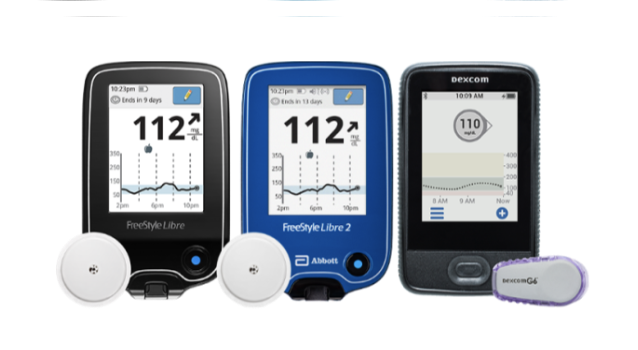
Choosing a Continuous Glucose Monitor is a big decision. Here we breakdown the top CGMs, their manufacturers, and features so you can select the right CGM to fit your lifestyle.

When you have newly diagnosed diabetes, knowing your next steps is crucial. Here are US MED’s tips for living with diabetes.

Continuous Glucose Monitors (CGMs) are life-changing tools for many individuals living with diabetes. Their real-time insights empower people…

Managing high blood sugar is tedious for anyone, but how does stress impact diabetes in men? Certain factors…

If you’re on Medicare and have questions about your deductible, you’re not alone. Each year, Medicare beneficiaries face…
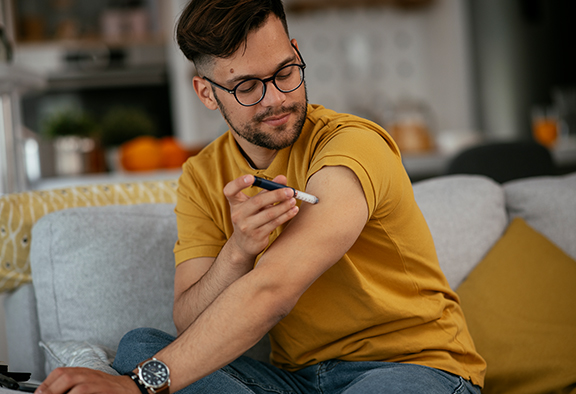
If you’re asking yourself “can you overdose on insulin?,” you should know this is a real possibility. Here’s the US MED guide to handling an insulin overdose.
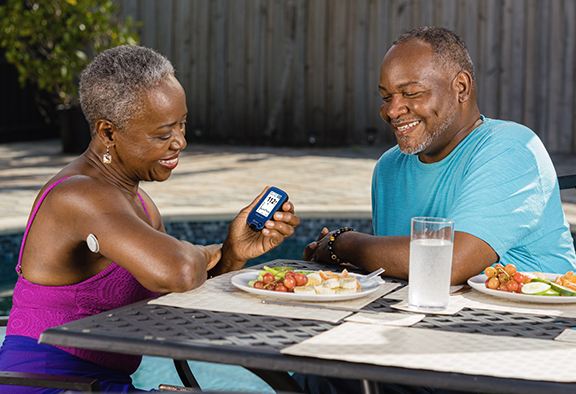
Keeping your postprandial blood sugar under control is an essential part of living with diabetes. Here, you’ll find US MED’s in-depth explanation of postprandial blood sugar, along with tips on how to control it.
Learn about the latest news on Dexcom G7, how it compares to the Dexcom G6, and how to get through US MED.
Are you wondering if Medicare will cover your purchase from US MED? Find out more about Medicare coverage and our wide selection of diabetes supplies.

You depend on your diabetic supply company to provide you with safe, quality supplies for managing diabetes. How…

5 Steps for Managing Diabetes | Type 1 and Type 2 We’ll walk you through five steps to help…

Prediabetes: Key Risk Factors and Effective Lifestyle Changes If you’re at risk for type 2 diabetes, you may…

What is the Best Insulin Pump for Your Diabetic Needs? Diabetes is a serious condition, and more people…
How much is a CGM? How is an insulin pump different than a CGM? Get answers to these question and more in this product breakdown.
It’s no secret that continuous glucose monitors (CGMs) are popular among people with diabetes these days. If you’re wondering, “how is CGM inserted?,” keep reading for a complete guide to CGM installation and more.

What is the Difference Between Type 1 Diabetes and Type 2 Diabetes? If you’ve recently been diagnosed with…

These days, most people with diabetes have at least heard of continuous glucose monitors (CGMs). These devices allow…

Both diabetes and depression can be difficult conditions to manage – and that’s especially true when you’re dealing with both at the same time. Get advice on how to cope from US MED.

Many aspects of everyday life are more difficult when you’re managing diabetes, and that includes taking care of…

If you suspect stress may be affecting your ability to manage your diabetes, you’re not alone. Medical professionals…

Maintaining optimal cardiovascular health is paramount for individuals navigating life with diabetes. It’s a reality that those managing…

Navigating the journey of diabetes care can be complex, but with the right knowledge and support, managing diabetes…
As a leader in the diabetes supplies industry, I have a front-row seat to the evolving landscape of care….
For people with diabetes, blood glucose meters aren’t just helpful—these devices are an essential component of any worthwhile…
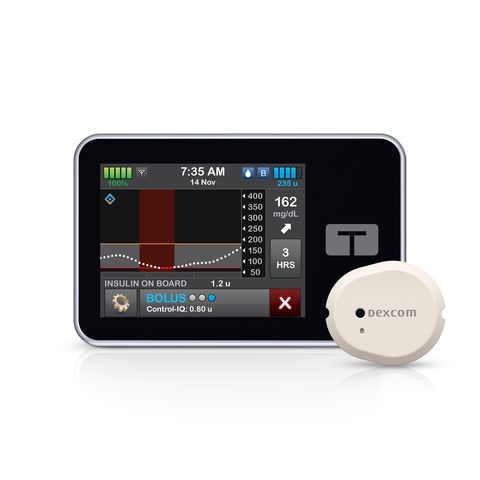
In early 2023, Dexcom began offering the Dexcom G7 Continuous Glucose Monitoring (CGM) System to U.S. residents with…

Diabetes and Dental Health: How to Protect Your Smile and Prevent Complications Diabetes management can undoubtedly be stressful,…

Since its discovery in 1921, insulin has played a central role in treating type 1 (and, in some…

Living with diabetes presents its challenges, and as a family member or caretaker, your support is crucial. Diabetes…

In this article we take a closer look at Intermittent Fasting and share with you the risks and benefits.

Managing diabetes can be difficult enough as it is. This is US MED’s guide on how to balance diabetes management and still have a fun time.

Are you interested in improving your diabetes management strategy by taking steps to deal with the physical and mental side effects of stress? If so, keep reading for a comprehensive overview of the link between diabetes and stress.
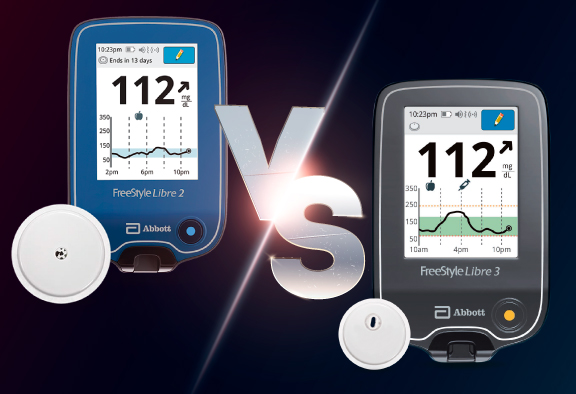
Learn the key distinctions between Abbott’s latest continuous glucose monitoring systems in this guide with US MED.
Learn all about closed-loop diabetes management solutions, combining the use of a CGM and insulin pump, in this guide from US MED.

Planning a trip is stressful, but managing your diabetes makes it even more challenging. US MED has all the tips you need, so you can get into vacation mode.

Back-to-school season can be stressful for any parent, and there’s even more to worry about if your child has diabetes. This comprehensive guide from US MED can help make sure your prepared.

Find out more about Diabetic Neuropathy, including the causes, symptoms, and ways to avoid and treat this well-known diabetes complication.

Foot problems are common in people with diabetes, and wearing the right shoes is a great way to keep your feet safe. Learn more with US MED.

With diabetes cases increasing in America, it’s more important than ever to take action. If you need to know how to fight diabetes naturally, these ten tips from US MED can help.

Learn more with US MED’s guide to adding mushrooms to your diabetes diet and discover how this food can help keep your blood sugar in check.

If you’re curious about diabetes support groups but don’t know how to get started, US MED can help. Here, you’ll find our comprehensive overview.

Following a yoga regimen could help you deal with the stress related to diabetes management. If you have type 2/type 1 diabetes and yoga sounds like something you might enjoy, keep reading for the information you need on starting a yoga routine.

Are you wondering “how does diabetes affect your sleep?”. This is US MED’s overview of how sleep and diabetes type 2/type 1 intersect.
When you know how to deal with diabetes, you’ll find it easier than ever to live with diabetes and raise your kids along the way. Here, you’ll find US MED’s advice for parents with diabetes.

Have you been looking for information on pregnancy and diabetes? If so, there’s a good chance you’re already…
Are you interested in learning more about the Dexcom G7 and what distinguishes it from other CGMs available today? If so, you’re in luck. Take a look at our complete overview of this exciting new product!
The long-awaited Dexcom G7 CGM is here. With the help of Nick Jonas, Dexcom is introducing the new Dexcom G7 CGM in a 2023 Super Bowl commercial.

Learning essential diabetes management steps can make managing this disease far simpler. Learn the ABCs of diabetes with US MED.
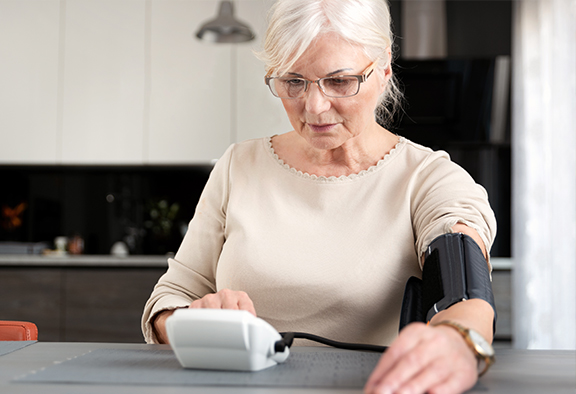
If you’re wondering, “can diabetes cause high blood pressure?” or “how can I control high blood pressure with diabetes?,” read on for all the answers you need.
Diabetes may cause you to sweat more than usual. Learn more on how diabetes and sweating are connected in the article below.
Currently a
US Med® Member?
If you're an existing member, the fastest and easiest way to reorder is by logging into the members portal, where you can also update your account.

Interested in Becoming a US MED® Member?
It's simple, fast and easy! Just complete a quick form or call 1-877-840-8218 now and let us take care of the rest.
Prefer to reorder by phone?
No problem! Just call 866-723-6958 and our agents will walk you through the reorder process.
Customer Reviews


AHCA Licensure Numbers: 1313231 and 1314211
For Healthcare Professionals
Our Products
Insulin
Insulin Pen Needles & Syringes
US MED® is America's primary choice for home delivery of quality medical supplies. Since 1996, over 1 million satisfied members have received disease state education and medical supplies from our highly trained customer service specialists. US MED®, the largest provider of Diabetic Supplies to the Medicare community, is licensed and accredited by Accreditation Commission for Health Care (ACHC) and maintains an A+ rating from the Better Business Bureau. We provide all products necessary to treat the Diabetes disease state, including therapies for its associated comorbidities. Our product portfolio includes, but is not limited to, the following: Diabetic testing strips, Continuous Glucose Monitors or CGMs, Insulin Pumps, Sleep Apnea and CPAP supplies, and Nebulizers.